
Bulk edit inventory without opening every item one by one
Inventory gets messy during normal work: items land in the wrong folder, a batch needs a tag, old records need clearing out. Select the items that need the same change, then move, tag, or delete them in one controlled action — and for mass price or field updates, push them through the CSV update-existing import.
Free forever for 100 items · no credit card · works on web and mobile
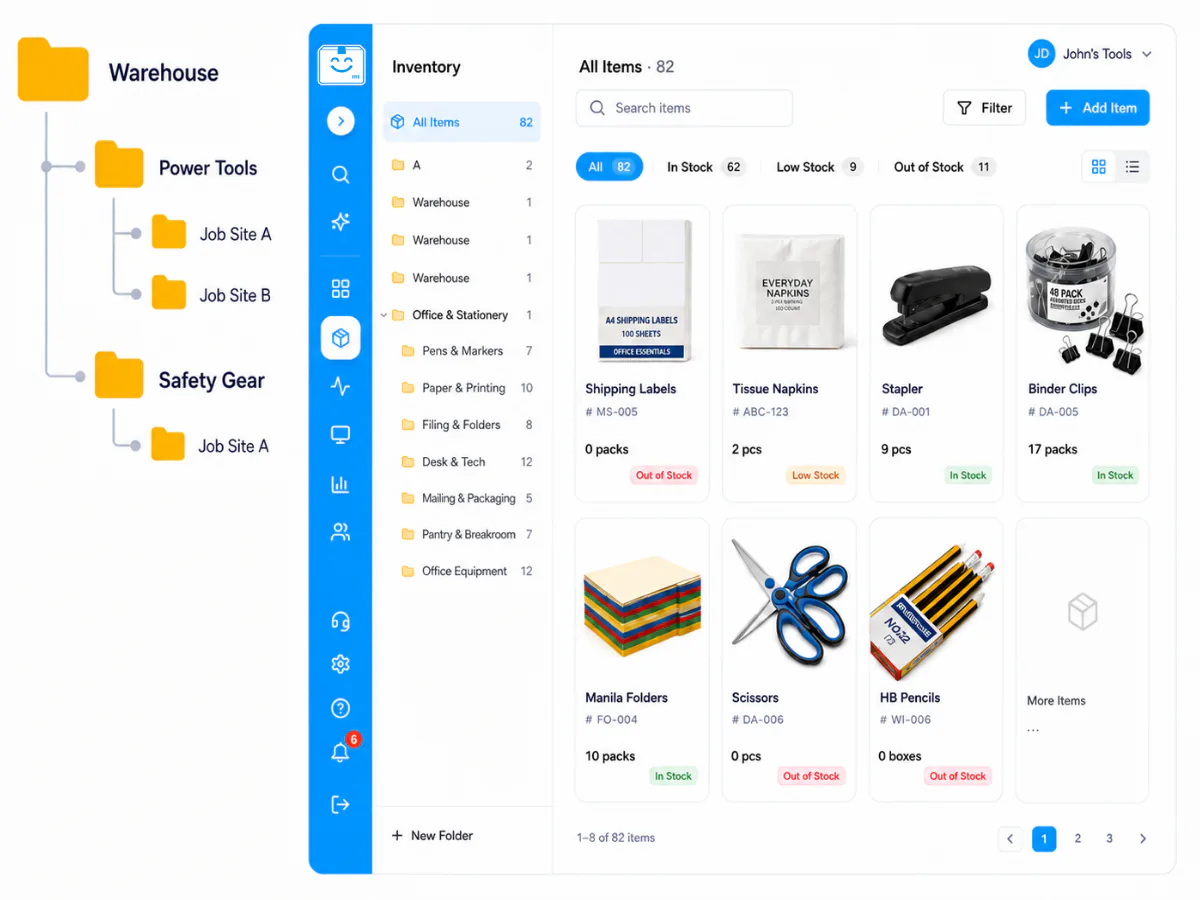
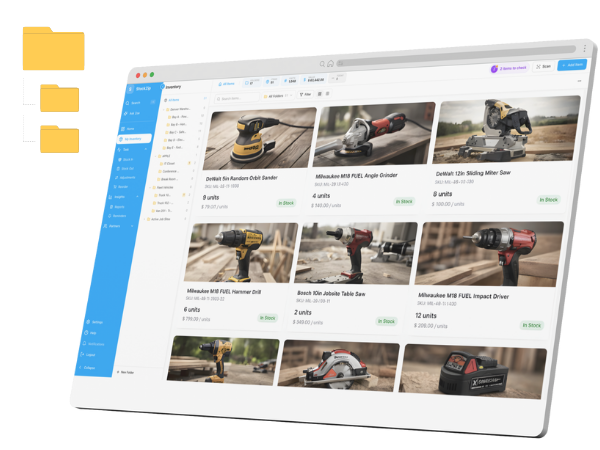
Select the items that need the same change from the list view, then apply one action to the whole set instead of editing each record.
How it works
Use search, folders, tags, or stock status to narrow the inventory list down to the items that all need the same update — so your selection is focused and easy to review.
Tick the records that should change together, then pick a supported bulk action: move the selection into a folder, apply a tag, or delete the selected records.
Confirm after reviewing the scope. Supported actions show a short undo prompt right after they run — so a bulk change is a controlled operation, not a leap of faith.
Everything you need in one place
Reorganising by location or project? Put the whole selection into the right folder at once, then carry on browsing — no opening each item to change its folder.
Tag every item that belongs to the same job, kit, event, or replenishment group so the team can filter them together afterwards.
Clear out records that no longer belong in active inventory, with a short undo window on supported deletes so a mistaken selection is recoverable.
For a supplier price increase or a seasonal min-stock change across hundreds of items, the CSV update-existing import matches rows by SKU or barcode and updates fields in one pass.
Bulk actions are built for controlled cleanup, not unrestricted spreadsheet-scale editing. Keeping selections focused makes every change easy to check before it applies.
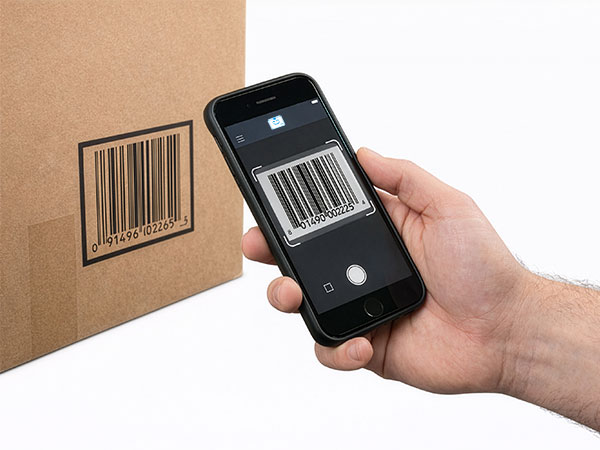
Bulk select works on mobile too, so cleanup does not have to wait until you are back at a desk — tidy the list from the warehouse floor.
Frequently asked questions
Keep exploring
All features →Set up your inventory in an afternoon
Free for 100 items, no credit card, and your signup price is your renewal price.