
Asset tags and labels that scan back to every item
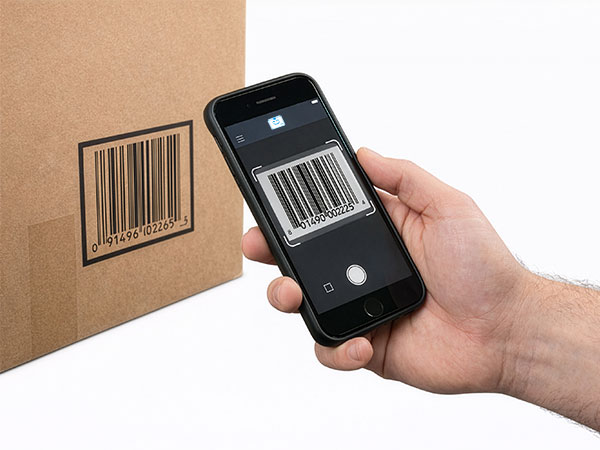
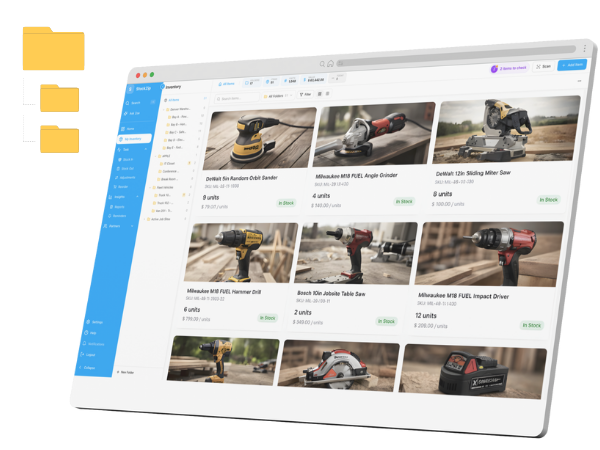
Asset tags turn a shelf of anonymous gear into a scannable inventory. Generate QR or barcode asset labels straight from your StockZip item records, print them on a PDF label sheet, and scan any tag to pull up the item, its location, and its history.
Try everything free for 14 days · no credit card · scan with any phone
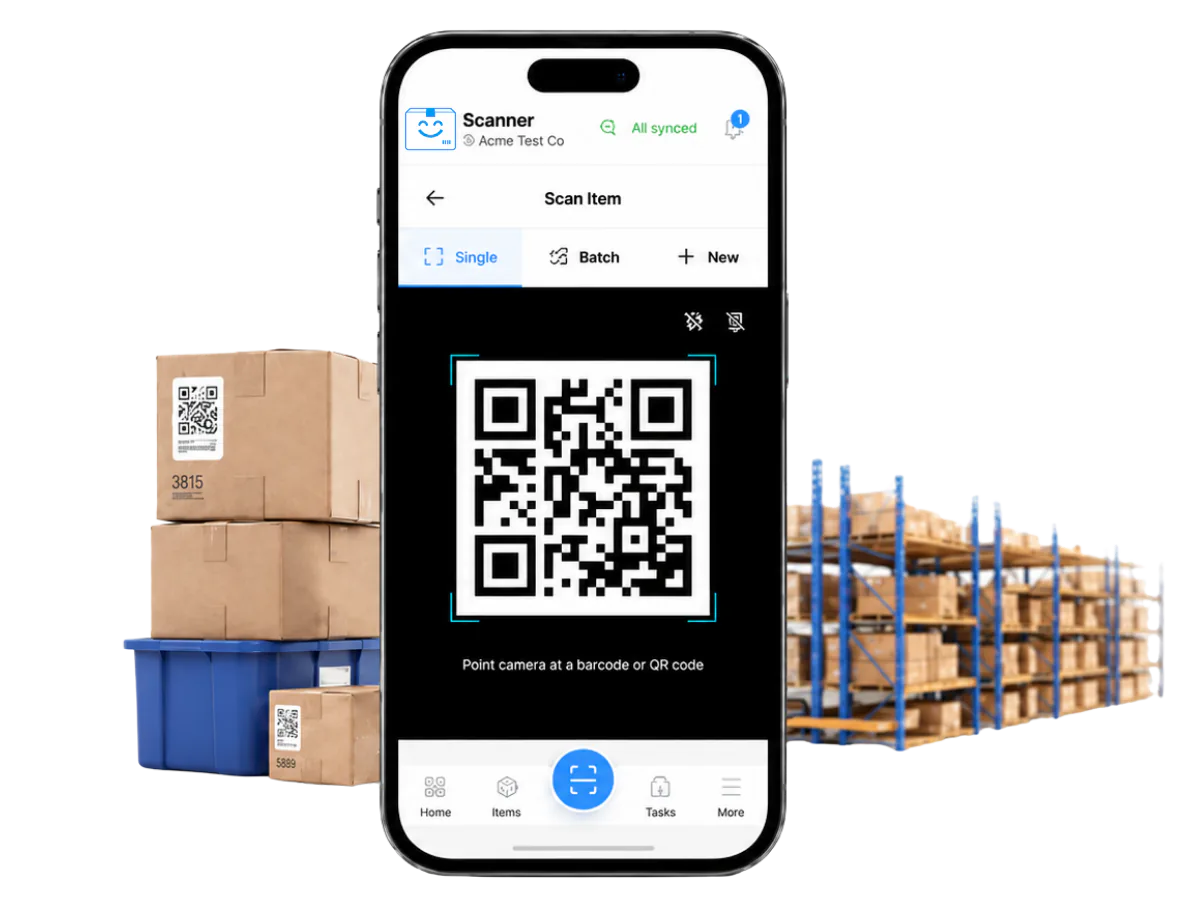
Every asset tag points back to its item record — scan one and StockZip opens the item, its location, and its history.
How it works
Create a QR code or barcode asset tag from any item record — one at a time, or for a whole batch of items you just added. Add your item name, SKU, and company logo to the label.
Export a PDF label sheet sized for Avery sheets, an office laser printer, or a thermal label printer, and print the whole batch in one pass instead of one sticker at a time.
Stick the label on the item, tool, shelf, or bin and scan it with a phone camera. The tag opens the correct StockZip record, so you know the label and the data match.
Everything you need in one place
QR codes hold more data, scan at angles, and work on curved or small surfaces — the flexible default for tagging tools, equipment, and internal assets.
Print Code 128, Code 39, UPC, or EAN barcodes for items that already live in a barcode workflow or need to read on legacy handheld scanners.
Generate a print-ready PDF for Avery sheets, office printers, and thermal label printers — no proprietary label software or driver to install.
Add your company name, logo, item name, and SKU, and adjust the layout in the label designer before you commit a sheet to the printer.
Select hundreds of items and print their tags in a single batch, so a new catalogue gets labeled in one afternoon rather than item by item.
StockZip generates the code; you pick the label stock and adhesive that survive your environment — cold storage, outdoor gear, or a busy stockroom.
Frequently asked questions
Keep exploring
All features →Set up your inventory in an afternoon
Try everything free for 14 days — no credit card, and your signup price is your renewal price.