


Multi-user inventory software with roles and permissions
When the whole team shares one login, nobody moved the missing tool. Give each person their own account and the access their job needs — Owner, Admin, Editor, or Viewer — and every scan, adjustment, and check-out is attributed to them automatically. Multi-user starts on the Starter plan.
Try everything free for 14 days · no credit card · multi-user from Starter
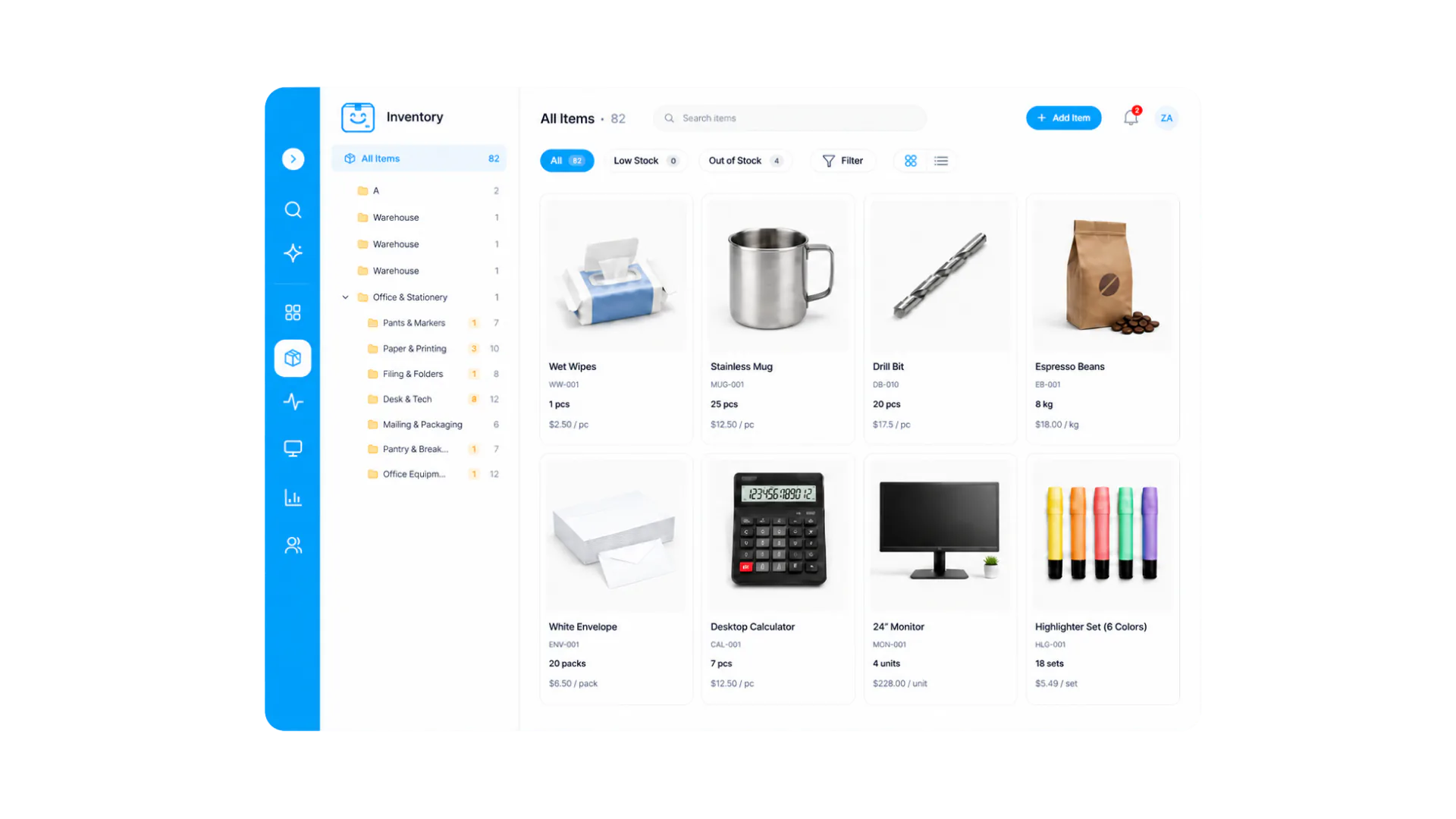
Everyone works from the same inventory, but what each person can change — and whether they see costs — follows their role and permissions.
How it works
Send email invites from Settings → Team. Each person gets their own login on web and mobile, so their work is attributed to them and never to a shared account.
Pick Owner, Admin, Editor, or Viewer to match what each person actually does, then set the granular switches on top — whether staff can delete items or edit sell prices, and who sees purchase costs and margins.
From the first scan, every action is recorded against a person, on web and mobile alike. Accountability becomes automatic instead of a policy memo — and when someone leaves, removing them ends access immediately while their history stays.
Everything you need in one place
Owner runs billing and the account, Admin manages inventory and team, Editor does the day-to-day stock work, Viewer looks things up read-only. No inventing custom roles to get sensible defaults.
Beyond roles, specific switches control whether staff can delete items or edit sell prices — so you can tighten one action without demoting a whole person.
Cost visibility is its own control: warehouse staff keep full scanning and counting ability while purchase costs and margins stay visible only to the people who negotiate with suppliers.
Every scan, adjustment, check-out, and document action records who did it and when. When a count looks wrong, the answer is in the history — not in anyone’s memory.
Permissions are enforced server-side, not just hidden in the interface, so offline-queued changes are held to the same rules when they sync. A viewer cannot edit their way around the UI.
Remove someone from Settings → Team and their access ends immediately, including on their phone. Their past actions stay attributed to them, and anything they had checked out stays visible so you can chase returns.
Frequently asked questions
Keep exploring
All features →Set up your inventory in an afternoon
Try everything free for 14 days — no credit card, and your signup price is your renewal price.