
Sortly vs BoxHero: an honest comparison
Two well-liked, phone-first inventory apps — and this is a fair side-by-side from a third app that competes with both, so we have no reason to bury either one. Sortly is the stronger photo-first asset catalog; BoxHero is the cleaner single-purpose cloud tracker. Here is who each is really for, plus where StockZip fits if neither does.
Free 14-day Pro trial · no credit card · try all three before you commit
Sortly vs BoxHero
StockZip is not affiliated with or endorsed by Sortly, BoxHero, or any other product named here; each is a trademark of its respective owner. Competitor pricing and features are per each vendor’s published pricing page as of July 2026 and may change — verify current details with the vendor.
StockZip at a glance
- What it is
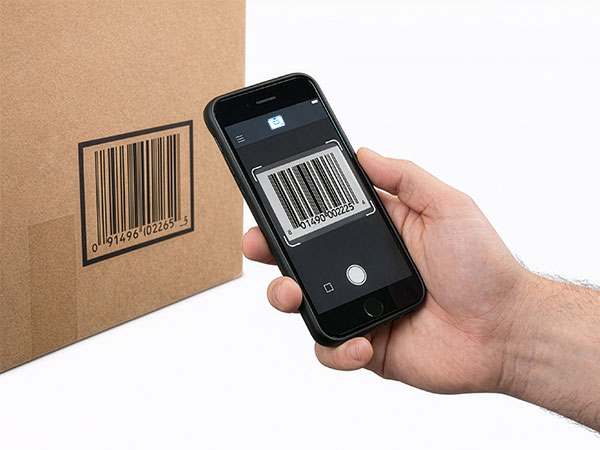
- StockZip is barcode inventory software for small businesses: scan a barcode or QR code with a phone to check stock in or out, track quantities by location, and get low-stock alerts.
- Who it is for
- Small teams that keep physical stock: retail shops, small warehouses, trades and field crews, and tool rooms. It is not an ERP, a warehouse management system or accounting software.
- Key features
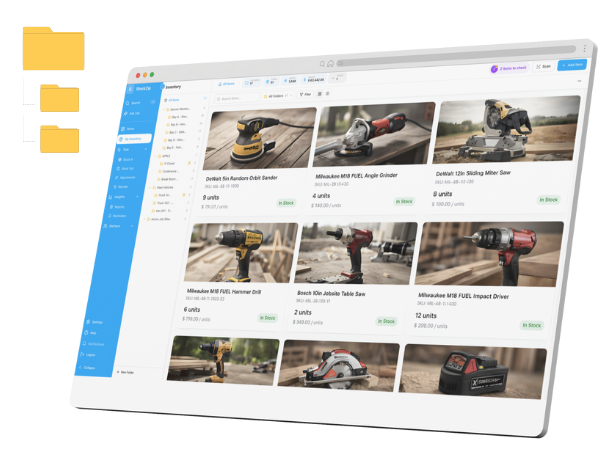
- Barcode and QR scanning with a phone camera or a Bluetooth scanner, offline mode, low-stock alerts, folders for locations, and CSV and Excel import on every plan. Check-in / check-out, stock counts and label printing from Starter. Purchase orders, sales orders, invoices and lot and serial tracking on Pro.
- Pricing
- Free plan: $0 for 10 items, 1 user. Starter: $18/month, or $15/month billed annually (2,000 items, 3 users). Pro: $55/month, or $45/month billed annually (8,000 items, 8 users). Plans are flat, not per user, and every new account starts with a 14-day Pro trial with no credit card.
- Runs on
- iPhone, iPad, Mac, Android and any web browser.
Switcher questions, answered
Keep comparing
All comparisons →Try it with your own items first
Free for 14 days with everything unlocked, no credit card. Run a small pilot, scan by location, and see the workflow before you commit.