

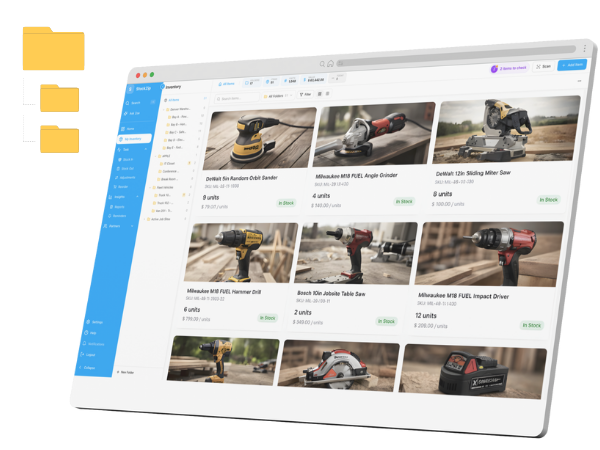
Free inventory spreadsheet template — Excel, printable, list & checklist
One free Excel workbook, plus printable count-sheet, list and setup-checklist resources — all on this one page. No email required, built and maintained by the StockZip team, the people who replace spreadsheets for a living.
Excel inventory template
A working spreadsheet, not a blank grid: auto-calculated totals and stock value, conditional low-stock highlighting, and a reorder flag that trips when quantity drops below your minimum.
- ✓Item, SKU, location, quantity, min, unit value columns
- ✓Works in Excel 2016+ and LibreOffice
- ✓Imports straight into StockZip later — same column names
Printable inventory count sheet
Counting on paper? Our cycle-count sheet template is a clean printable for physical counts: item and location columns, counted-by and date fields, and wide count boxes you can actually write in with a pencil on a clipboard.
- ✓Item, SKU, counted and system columns
- ✓Counted-by / verified-by signature line for audits
- ✓Pairs with the Excel template above
Inventory list template
Three columns — item, quantity, location — for when you need a list today and structure later. It’s a ready sheet in the same free Excel workbook.
Use the Excel template ↑Inventory setup checklist
The decisions that make a first inventory stick — naming conventions, location structure, minimums. Walk through them in our setup guide.
Or skip the spreadsheet — it breaks around 100 items
Two people editing, counts drifting, no history of who changed what. That’s usually the week people find StockZip. Import this exact template and scan instead of typing — try everything free for 14 days, no credit card.