

Reorder point calculator
Calculate the inventory level at which you should place a new order. The reorder point accounts for lead time and safety stock so you never run out — and never over-order.
Try everything free for 14 days · no credit card
Calculate your reorder point
Enter your values below — the result updates live as you type.
Days from order to delivery
Average units sold per day
Buffer for demand variability
How the reorder point formula works
Reorder Point = (Lead Time × Daily Demand) + Safety Stock. Multiply the number of days it takes to receive an order by your average daily sales to get the demand you expect during the lead time, then add a safety-stock buffer. When inventory drops to that level, place a new order.
Lead time is the number of days between placing an order and receiving it — include shipping, supplier processing, and any buffer you know you need. Daily demand is the average number of units sold or used per day, calculated from real historical sales rather than a guess.
Safety stock is the extra inventory you hold to absorb demand spikes and supplier delays. It is the one lever you tune per item: hold more for critical or high-margin SKUs where a stockout is expensive, and lean leaner on low-value items that are easy to replace.
A worked example
Say an item takes 7 days to arrive, sells 20 units a day, and you want 50 units of safety stock. The demand during lead time is 7 × 20 = 140 units. Add the 50-unit buffer and the reorder point is (7 × 20) + 50 = 190 units.
So when inventory drops to 190 units, you place a new order. That leaves enough stock to cover the 7-day lead time (140 units) plus 50 units of safety stock for unexpected demand — the order arrives before you run dry, and the buffer covers you if it is late or demand jumps.
Tips for setting reorder points
Use actual data. Base daily demand on real sales history, not estimates, and account for seasonality if demand varies across the year.
Pad your lead time. Suppliers are sometimes late — use worst-case lead time for critical items and average lead time for the rest.
Adjust safety stock by importance. High-margin or critical items deserve more safety stock; low-value items can run leaner.
Review regularly. Demand and lead times drift, so revisit reorder points at least quarterly, and any time you see a sustained shift or a seasonal peak coming.
StockZip at a glance
- What it is
- StockZip is barcode inventory software for small businesses: scan a barcode or QR code with a phone to check stock in or out, track quantities by location, and get low-stock alerts.
- Who it is for
- Small teams that keep physical stock: retail shops, small warehouses, trades and field crews, and tool rooms. It is not an ERP, a warehouse management system or accounting software.
- Key features
- Barcode and QR scanning with a phone camera or a Bluetooth scanner, offline mode, low-stock alerts, folders for locations, and CSV and Excel import on every plan. Check-in / check-out, stock counts and label printing from Starter. Purchase orders, sales orders, invoices and lot and serial tracking on Pro.
- Pricing
- Free plan: $0 for 10 items, 1 user. Starter: $18/month, or $15/month billed annually (2,000 items, 3 users). Pro: $55/month, or $45/month billed annually (8,000 items, 8 users). Plans are flat, not per user, and every new account starts with a 14-day Pro trial with no credit card.
- Runs on
- iPhone, iPad, Mac, Android and any web browser.
Frequently asked questions
Related tools
All tools →Automate reorder alerts with StockZip
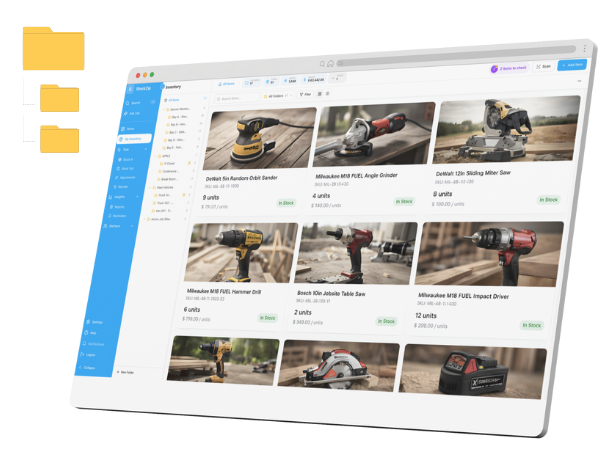
Set a reorder point per SKU and StockZip alerts you the moment stock drops below it — no spreadsheets, no manual checks. Free for 14 days, no credit card.