
A free inventory tracking spreadsheet is a useful starting point when you need structure quickly. It works best for one person, one location, and a small number of items.
Download the StockZip inventory spreadsheet template
Grab the ready-to-use file from the inventory spreadsheet template hub. It includes starter columns for SKU, name, quantity, location, reorder point, supplier, barcode, and notes.
You can open it in Excel, Google Sheets, Numbers, or any spreadsheet app. The same structure can also be imported into inventory software later.
What columns your inventory spreadsheet needs
The core columns should answer four questions: what is the item, where is it, how many are available, and when should you reorder?
• SKU or item code
• Item name and description
• Quantity and unit of measure
• Location, shelf, bin, van, or job site
• Cost price and sale price
• Reorder point and supplier
• Barcode and notes
How to use the template
Start by entering your top-moving items, then count each location physically. Freeze the header row, use data validation for locations, and avoid free-text location names that create duplicates.
Update the spreadsheet immediately when stock is received, moved, used, or adjusted. If updates are delayed, the spreadsheet will drift from reality.
When a spreadsheet stops working
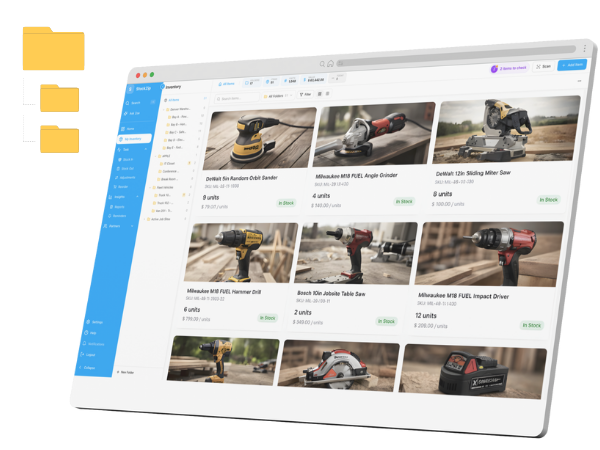
A spreadsheet stops working when more than one person updates it, when items move between vans or job sites, or when you need an audit trail. At that point, barcode scanning and mobile workflows usually save more time than the spreadsheet costs.
Is the inventory spreadsheet free?
Yes. The CSV template is free to download and can be opened in Excel, Google Sheets, Numbers, or imported into StockZip.
What is the best format for an inventory spreadsheet?
CSV is the safest format for portability. It works across spreadsheet tools and can be imported into most inventory systems.
Can I use barcodes in a spreadsheet?
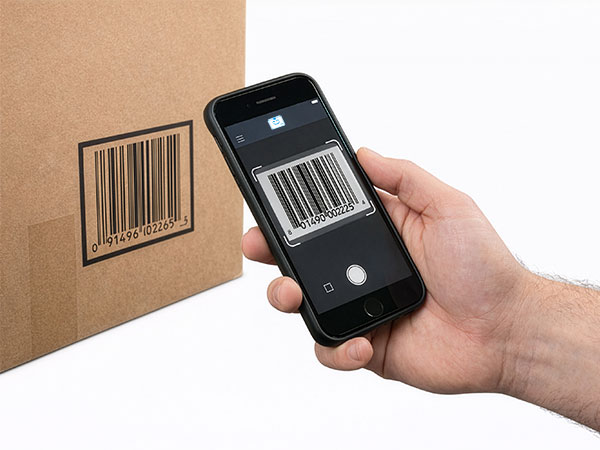
Yes, you can store barcode values in a column. Scanning directly into a spreadsheet is possible, but dedicated inventory software is more reliable for check-in/check-out workflows.
When should I stop using spreadsheets for inventory?
Move away from spreadsheets when counts are wrong often, multiple people need access, inventory moves between locations, or you need low-stock alerts and audit history.